Retail intelligence, after hours

Turn store video into daily answers.

See visitor flow, busy zones, and the moments that shaped the day. Built for store teams who need a clear answer by morning.

01

On-device by design

02

Built for real store video

03

Reports ready for the morning

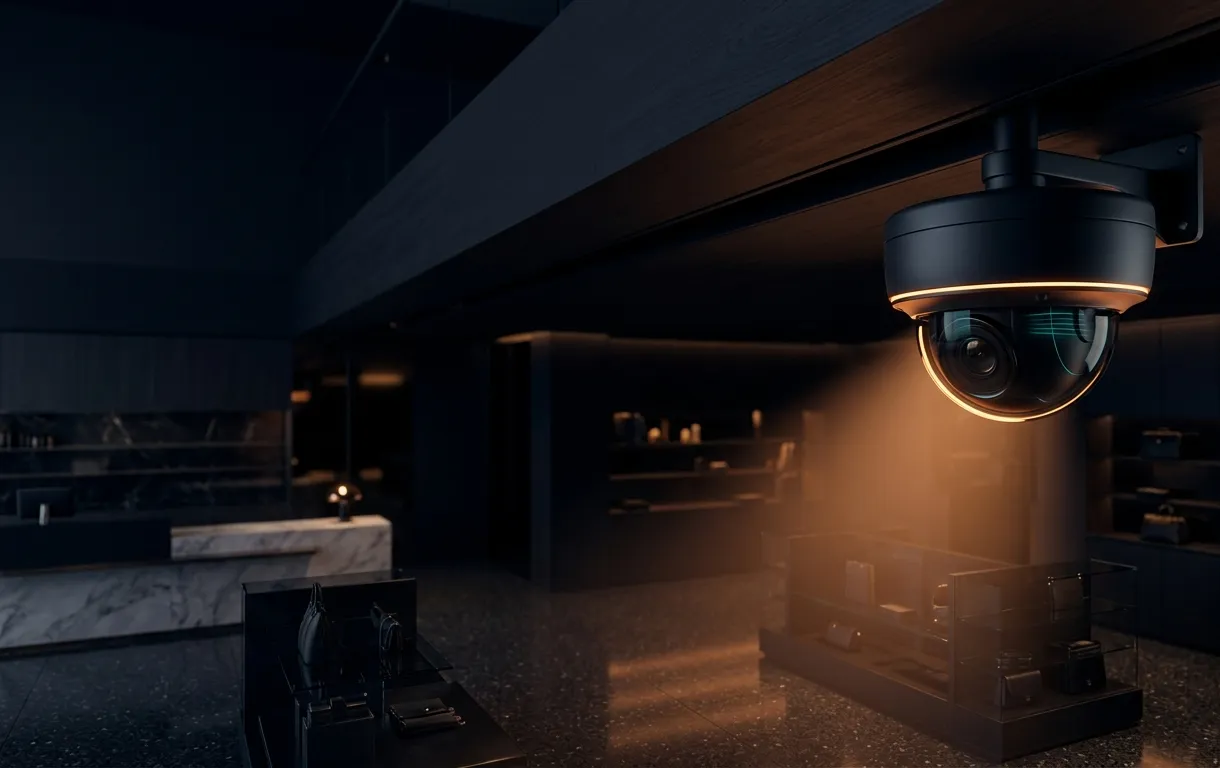
A cinematic retail camera scene at night
Coverage sweep08:42 PM
Camera health96%Clear frame
Review window12 hours

A clearer close

The day ends.
The picture gets clearer.

StoreMeter translates hours of footage into a compact operating view: who came through, where attention gathered, and when the floor changed.

SM / 001—004

Browser playground

Bring one clip.
See the floor differently.

Drop in a short store video and run a local scene scan. Your file stays in the browser; the interface is already wired for qualified flow analysis releases.

Try the playground
Retail flow / live motion field Processing locally
High motionAccumulated path
1080p sample · bundled locally
Motion signal0.0%
Active cells00
Frames read000
StoreMeter home view showing visitor totals and a store heatmap
40.9827° N / 29.1248° E

01 / Visitor flow

Start with the answer, not the footage.

Open the day to a concise visitor summary. Move from total activity to the exact windows that deserve a closer look.

Entries
Direction-aware flow
Busy windows
Time-block comparison
Daily view
One readable closeout

02 / Floor signals

See where the store pulled people in.

Review entries, exits, busy zones, and wait pressure in a report designed for a quick team conversation rather than a technical audit.

Test a store clip
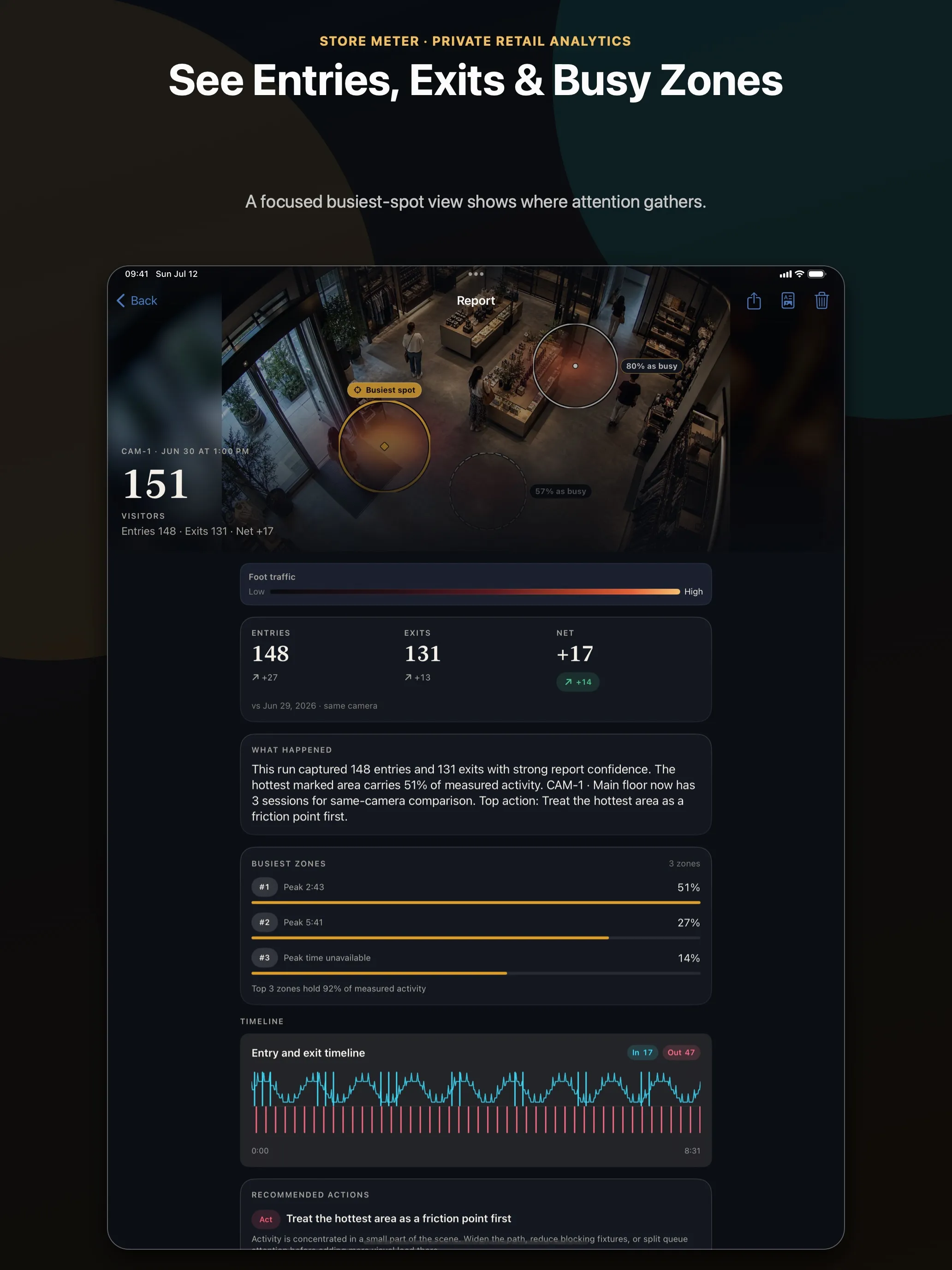
StoreMeter report on iPad with entries, exits, and busy zone analysis
Report surfaceFrom floor activity to a shareable daily read.

The StoreMeter system

One workflow.
Four clean steps.

A technical pipeline under the surface, a calm operating view on top. Each stage stays replaceable so the product can improve without turning the interface into a lab.

  1. 01
    Choose

    Select a store clip or camera export.

    MP4 / MOV
  2. 02
    Read

    Sample the day into consistent visual moments.

    LOCAL
  3. 03
    Understand

    Turn movement into stable floor signals.

    PRIVATE
  4. 04
    Review

    Open a concise report built for action.

    READY

What arrives by morning

A report built to be read, not decoded.

StoreMeter keeps the technical layer underneath and brings forward the few signals a store team can act on immediately.

01 / Daily signal

The whole day in one decisive read.

Visitor flow, directional change, and the strongest operating window stay visible at a glance.

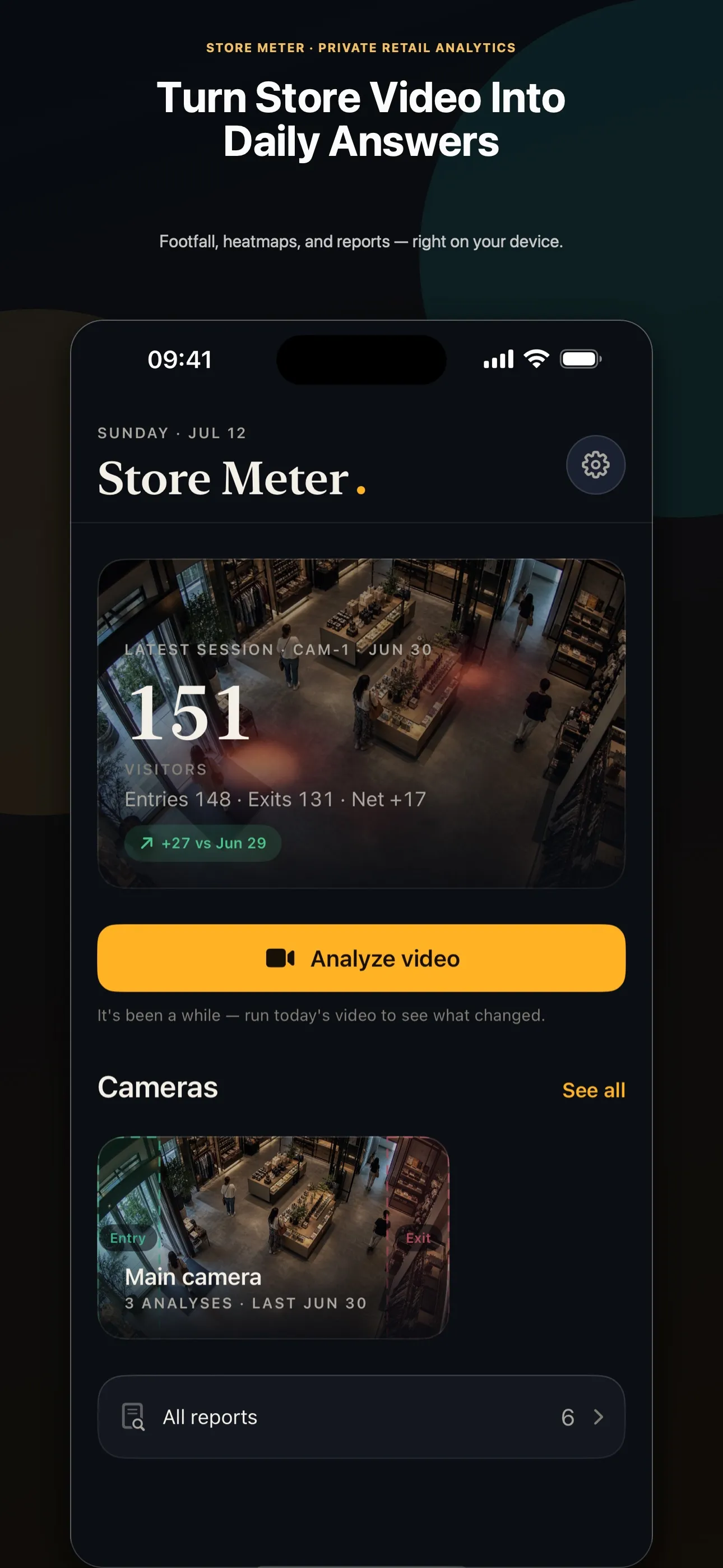
151Visitors
148Entries
+17Net flow
StoreMeter iPhone daily visitor summary
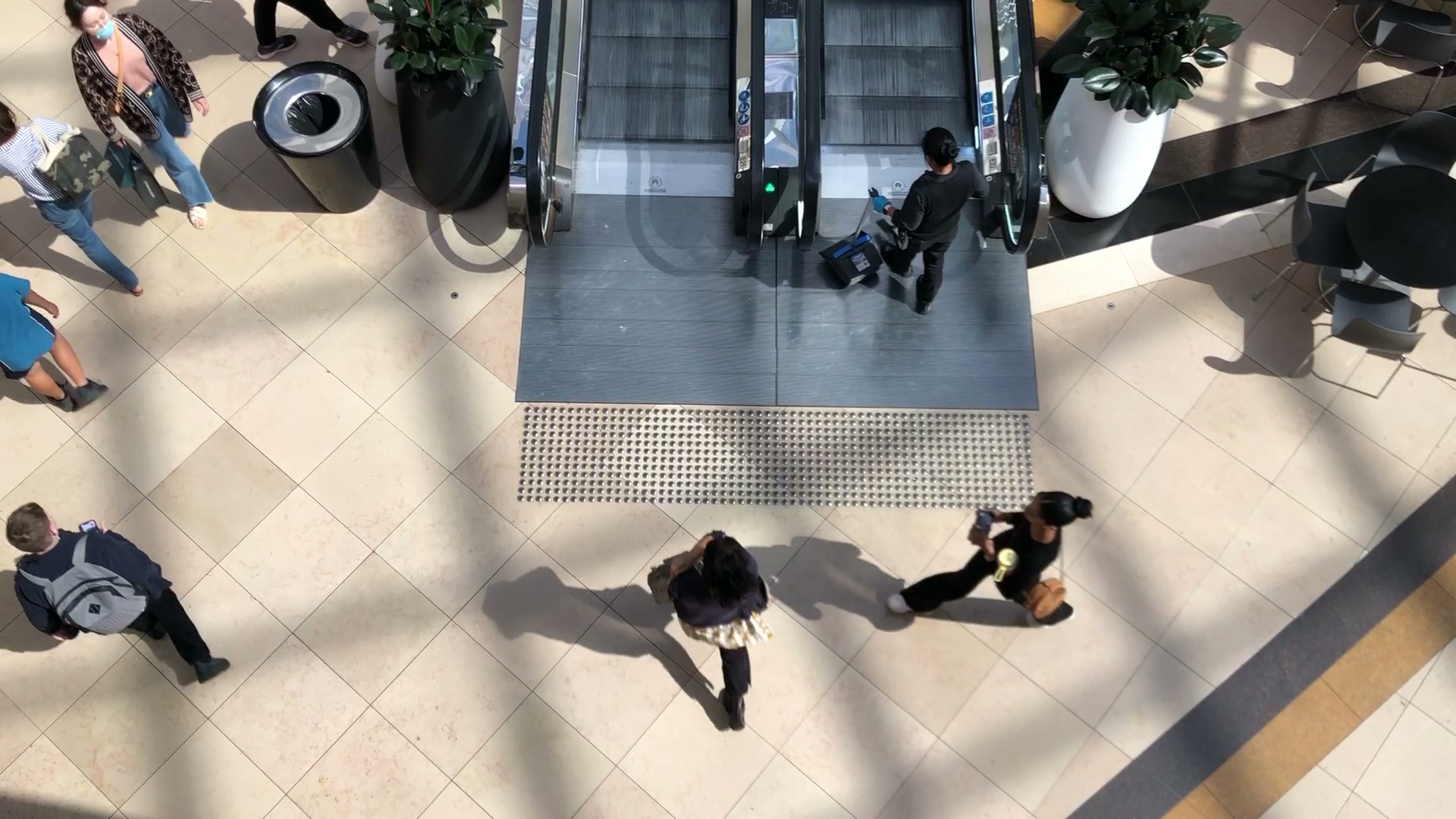
Overhead retail scene with shoppers moving near an escalatorPeak crossingSecondary path
03 / Report depth

Compare the same camera over time.

Move from today’s result to a pattern without losing the original floor context.

StoreMeter iPad report with readable session comparisons

From floor signal to commercial impact

See the friction.
Keep more of the visit.

StoreMeter does not create demand by itself. It shows where today’s traffic meets waiting, poor timing, or an unclear floor—so the team can test one change and measure whether more visits become purchases.

01 / Observe18:10 becomes the pressure window.

Traffic rises while the queue and entrance begin competing for the same floor space.

02 / ChangeMove one person, sign, or display.

Act on a specific moment instead of changing the entire store from instinct.

03 / MeasureCompare the same camera tomorrow.

Keep the change only when more of the existing traffic completes the visit.

Illustrative opportunity modelScenario · not a forecast

What could one conversion point be worth?

Before28.0%
After29.2%
Additional purchases / month54
Monthly revenue opportunity$2,283

At 151 daily visits, a measured 1.2-point lift represents about 54 additional purchases per month.

Fewer walkawaysMore completed visitsA stronger reason to return

Retail operating notes

Turn the signal into
a better next move.

Practical guides for foot traffic, busy zones, store video, and the conversion questions that connect a better visit to stronger revenue.

Explore all insights ↗

Privacy is architecture

The video is yours.
Keep it that way.

The playground is designed around local browser processing. Choosing a file creates a temporary local preview; it does not send the video to StoreMeter.

01

No account

Try the local scan without signing in.

02

No upload

The selected file remains on your device.

03

No hidden reuse

Your clip is not retained for training.

Read the privacy approach ↗

StoreMeter for iPhone and iPad

Close the store.
Open the answer.

Turn a camera export into a focused daily read—without turning your team into video analysts.

Private by designiPhone + iPadBuilt for real footage
StoreMeter app icon
StoreMeterRetail clarity, every morning
StoreMeter running on iPhone